



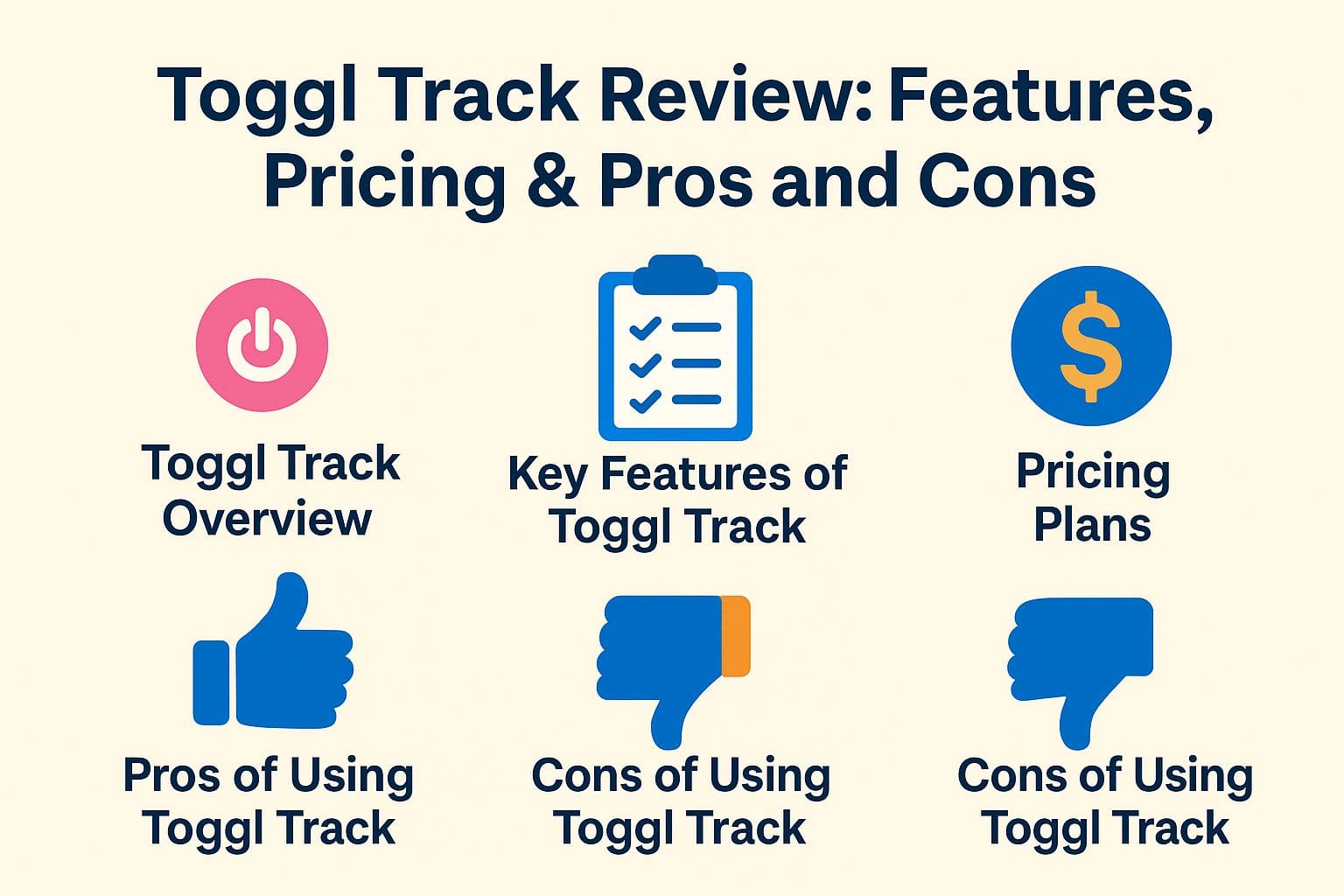
Toggl Track Review: Features, Pricing & Pros and Cons
Struggling to keep track of your time? Toggl Track helps organize your tasks and increase efficiency. With its user-friendly interface and powerful reporting tools, it’s worth exploring if you want to manage your projects better. This review covers the main features, cost choices, and the advantages and disadvantages of using Toggl Track. See if this tool can solve your problem.
Toggl Track Overview
Toggl Track is a strong time tracking tool that helps people and teams keep track of their work hours, improving productivity and project management.
What is Toggl Track?
Toggl Track is an online tool for tracking time, helping users log their work hours easily, with features that improve productivity and help manage projects.
Its easy-to-use interface lets users monitor how different projects are doing, making it perfect for freelancers and teams.
Toggl Track integrates seamlessly with popular tools like Asana, Trello, and Slack, facilitating a smooth workflow.
Users can sort time entries by project or client, allowing for correct billing and performance review.
With detailed reporting features, you can see how time is used, which helps find areas to make better.
It’s clear why more than 500,000 people around the world use Toggl Track to improve their work efficiency.
History and Development
Founded in 2006, Toggl Track started as a basic time tracker and has grown into a full-featured productivity tool, changing to meet user needs and new technology.
In 2014, Toggl Track expanded its functionality by launching mobile apps, allowing users to track time on the go, enhancing flexibility.
The introduction of team management features in 2015 marked a significant shift, enabling businesses to monitor productivity collaboratively.
By 2017, Toggl integrated with popular project management tools like Asana and Trello, further streamlining workflows for users.
The changes in 2020 included new reporting features, offering detailed information on how time is spent.
These updates show Toggl’s dedication to addressing the changing needs of its users.
Key Features of Toggl Track
Toggl Track provides various tools to help manage time better, such as tracking time, generating reports, and supporting team collaboration. Curious about how much time tracking software costs in 2025? It’s an important factor to consider when choosing the right tool for your needs.
Compare Quotes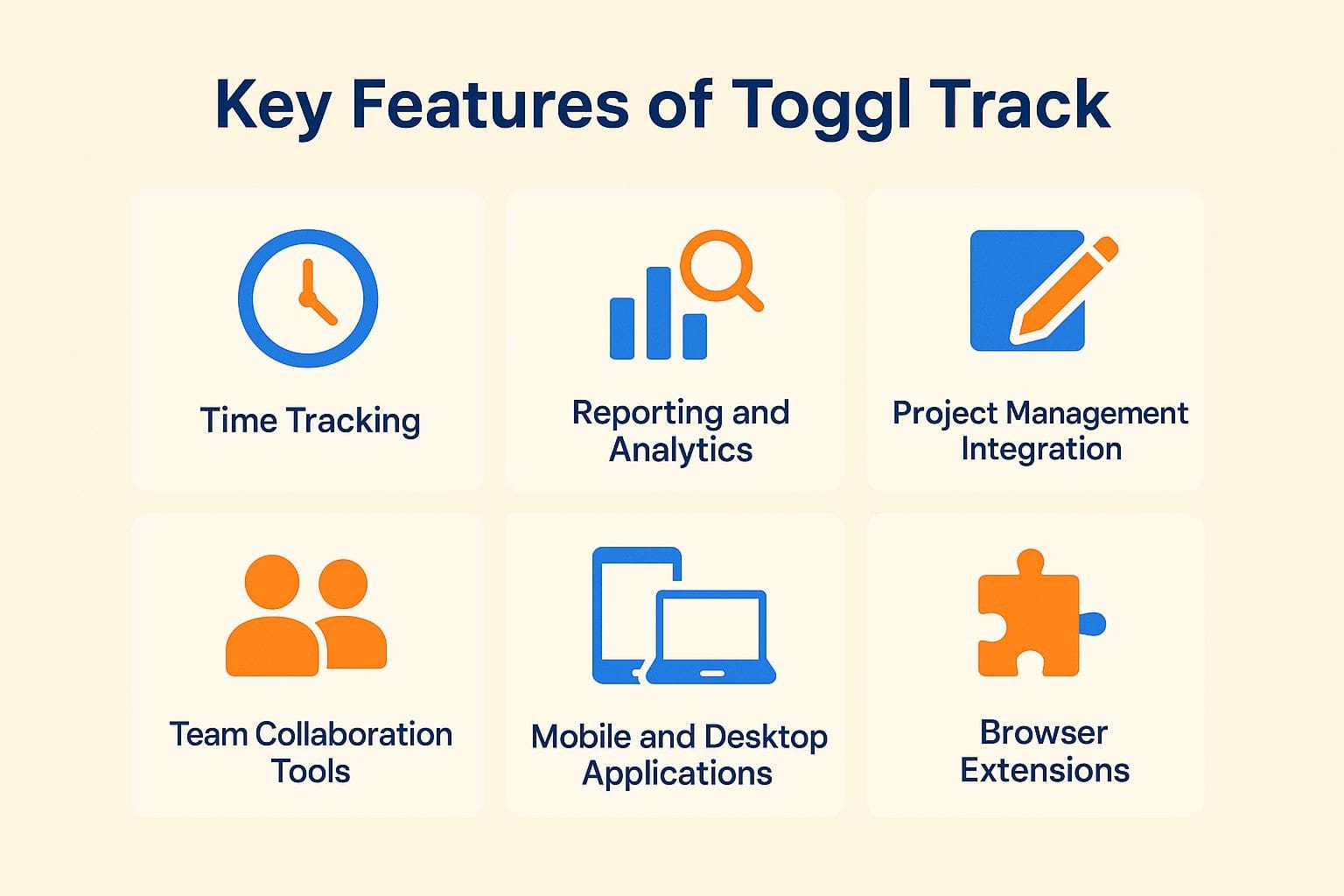

Free Plan Overview
Toggl Track’s free plan allows users to track time for one project and gain access to basic features suitable for freelancers or small teams.
This plan has notable limitations compared to its paid options. Users can only track one project simultaneously, whereas paid plans offer unlimited project tracking and advanced reporting features.
For example, premium users get detailed information on how they spend their time and can create custom reports, which helps in assessing performance.
Starting with the free plan is a great way to get to know the interface, but moving to a paid plan can make your work more efficient as your projects become more complex.
Starter Plan Details
The Starter Plan, costing $10/month, includes project tracking and reporting for small teams.
This plan improves how teams work together by letting users organize tasks with Kanban boards. It includes advanced reporting tools that help track progress on key performance indicators.
For comparison, the free plan only offers basic task management and limited reports. Consequently, teams looking to improve their workflow and accountability will find the Starter Plan critical.
With a small investment, teams can significantly improve their methods and gain key details that increase productivity.
Premium Plan Features
Toggl Track’s Premium Plan costs $20 per user each month and includes detailed reports and team management tools to improve productivity.
A key feature is the time audits, which help managers see how team members spend their hours and identify areas where time is not used effectively.
The team dashboard collects all tasks and projects for everyone, making cooperation better.
Project managers can quickly create customized reports, letting them organize details by user, client, or project. This helps them monitor progress and allocate resources as necessary.
These tools help keep work organized, keep people responsible, and make sure deadlines are met on time.
Enterprise Solutions
For bigger companies, Toggl Track provides Enterprise options with special support and advanced features designed for business needs.
This plan includes custom pricing structures to suit budget constraints, ensuring organizations only pay for what they use.
Onboarding support includes customized training sessions that can greatly shorten the time teams need to learn. Advanced security features, such as SSO and role-based access controls, protect sensitive data.
For instance, Siemens, a global company, started using Toggl Track’s Enterprise plan to improve the organization of projects in different departments. This led to a 30% rise in productivity over six months.
Comparison of Pricing Plans
Toggl Track’s pricing plans offer more features and support as you move up, suitable for both individual freelancers and big teams.
The plans include:
- Free: Ideal for solo users needing basic time tracking without frills.
- Starter ($10/user/month): Best for small teams, offering advanced reporting and team management features.
- Premium ($20/user/month): Suited for larger organizations, with added features like client invoicing, project templates, and priority support.
This structured system lets users choose a plan that matches their work process and financial limits, so it’s simple to expand as your team gets bigger.
Compare Quotes
Pros of Using Toggl Track
Users of Toggl Track benefit from an easy-to-use interface, strong reporting features, and smooth integration options.

User-Friendly Interface
Toggl Track is designed so anyone can use it easily, allowing fast time input and easy browsing.
Its drag-and-drop functionality allows users to effortlessly rearrange tasks, while customizable dashboards enable the display of key metrics at a glance.
Users like the simple time entry system that allows quick log entries with keyboard shortcuts. People often say that new users can quickly learn to use the interface in just a few minutes because it is easy to understand.
Regular updates based on user feedback make Toggl Track easier to use and responsive to the needs of its varied users.
Robust Reporting Capabilities
Toggl Track’s reporting tools give users clear information about their work patterns, helping teams make informed decisions.
Teams often use summary reports to quickly understand overall performance, while project-specific reports give detailed information about particular tasks or client work.
For example, a marketing team might use a project-specific report to analyze time spent on each campaign, helping identify bottlenecks.
Meanwhile, summary reports can highlight the total hours worked across all projects in a week, allowing managers to adjust workloads effectively.
Regularly going over these reports helps teams make work processes better, use resources more effectively, and increase output.
Flexible Integration Options
Toggl Track works with many other tools such as Slack, Zapier, and Google Calendar, improving what it can do.
Integrating Toggl Track with Slack allows teams to track time directly from their chat platform, streamlining communication.
With Zapier, users can create automatic workflows, such as logging time entries in Toggl whenever a new project is added in Trello. Meanwhile, syncing with Google Calendar enables users to automatically block out time for focused work sessions based on scheduled events.
For instance, a marketing team might set up Zapier to track time spent on campaigns automatically, significantly reducing manual logging and improving overall productivity.
Compare Quotes
Cons of Using Toggl Track
Toggl Track is useful but has downsides.
The free version doesn’t offer a lot of features, and it might be tricky for beginners to get used to it.

Limited Features in Free Plan
While Toggl Track’s free plan is beneficial for individual users, it restricts access to advanced features and integrations that teams may need.
For example, teams on the free plan cannot use productivity reports or project tracking tools, which are important for managing many projects and checking team performance.
The free version limits users to tracking time for one project at a time, whereas the paid plans allow for unlimited projects and up to 15 team members.
If your team needs tools to work together or connect with apps like Asana or Trello, moving to the Starter Plan at $10/month per user could make your work process smoother.
Potential Learning Curve for New Users
New users might find it challenging to use all the features of Toggl Track at first, which can slow down their initial work.
- To overcome this challenge, start by exploring the Toggl Track Help Center, where a wealth of guides and video tutorials exist.
Familiarize yourself with the dashboard layout and consider setting up a simple project to test the time tracking functionalities.
- Use the Pomodoro Technique by scheduling focused work sessions, utilizing Toggl’s timer feature.
Take advantage of the community forums where you can ask questions and share tips with other users.
Following these steps can make your onboarding process faster, help new hires settle in more easily, and increase your output.
Final Thoughts
Toggl Track’s simple features and user-friendly design make it a popular choice for those looking to better manage their time.
One standout feature is its customizable reporting, which allows users to visualize their productivity through detailed graphs and charts.
To get started, simply set up different projects and client categories, ensuring all your work is organized and easily trackable.
Users also benefit from the integration capabilities with tools like Asana and Trello, enabling seamless workflow management.
After trying Toggl Track, share your thoughts in forums or social media to help others improve how they manage their time.
 About The Author
Jordan Blake is a B2B strategist and contributor at Price It Here, where she shares expert advice on buying decisions and business growth. She holds a Bachelor’s in Business Administration from the University of Michigan and an MBA from Northwestern’s Kellogg School of Management.
With over a decade of experience in procurement and vendor strategy, Jordan helps businesses save money and scale smarter. Her practical insights make her a trusted voice for entrepreneurs seeking cost-effective, results-driven solutions.